Scan the QR code
The event page opens in the browser.
CamLove demo
This is a visual walkthrough of the real CamLove flow. Guests only need a phone browser — no app install and no guest account.
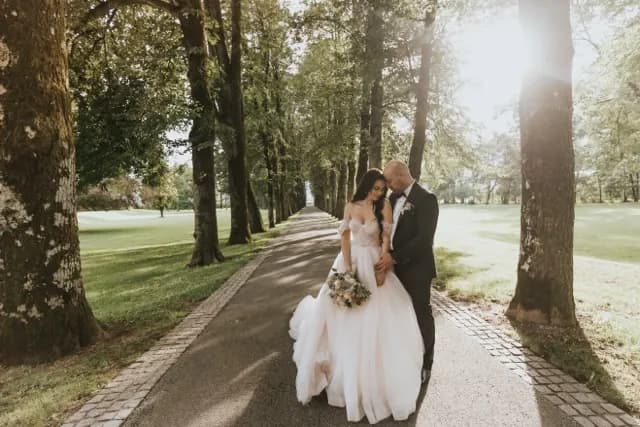
Choose and upload
✓ ✓
✓ ✓
✓
Media reaches the gallery
Guest flow
The QR code opens the event page, the guest selects media on their phone and sends it to the shared gallery.
The event page opens in the browser.
Select photos or videos from the phone.
The organiser sees everything in one place.
The result
The organiser can review media, moderate content, download files and use the Live Photo Wall when included in the plan.
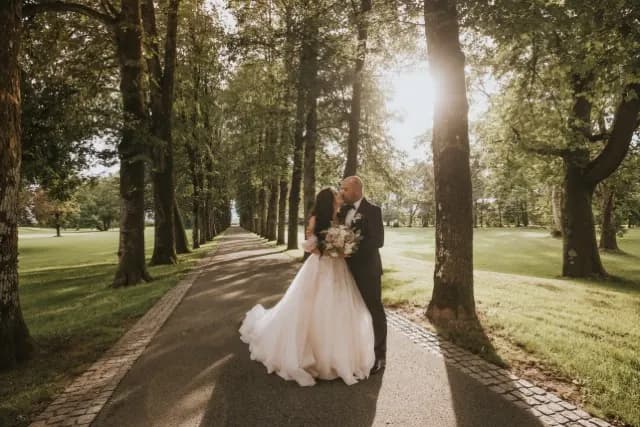

Live Photo Wall
Open the separate display link on a TV or projector. Guests keep uploading from their phones while the Photo Wall refreshes with new moments.
Real events
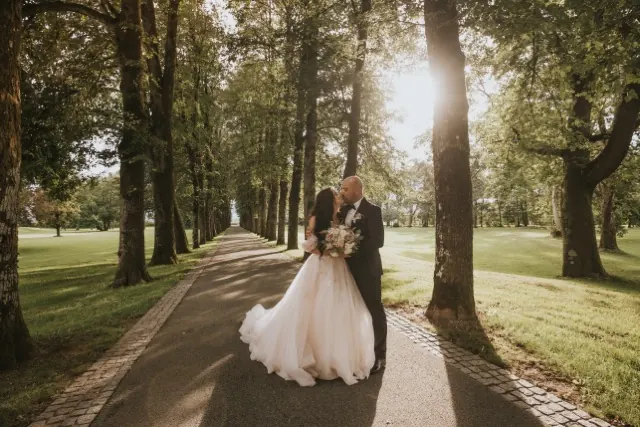
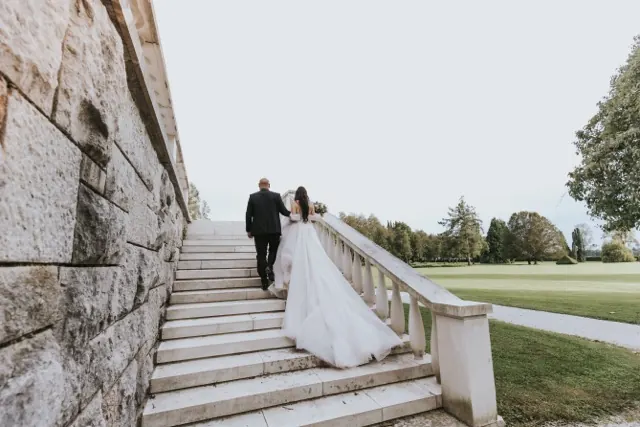
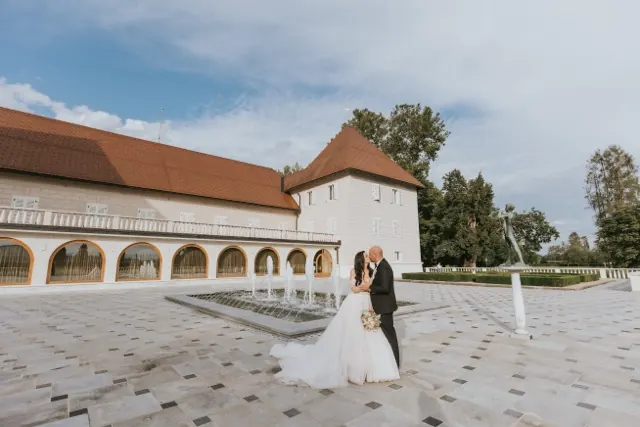
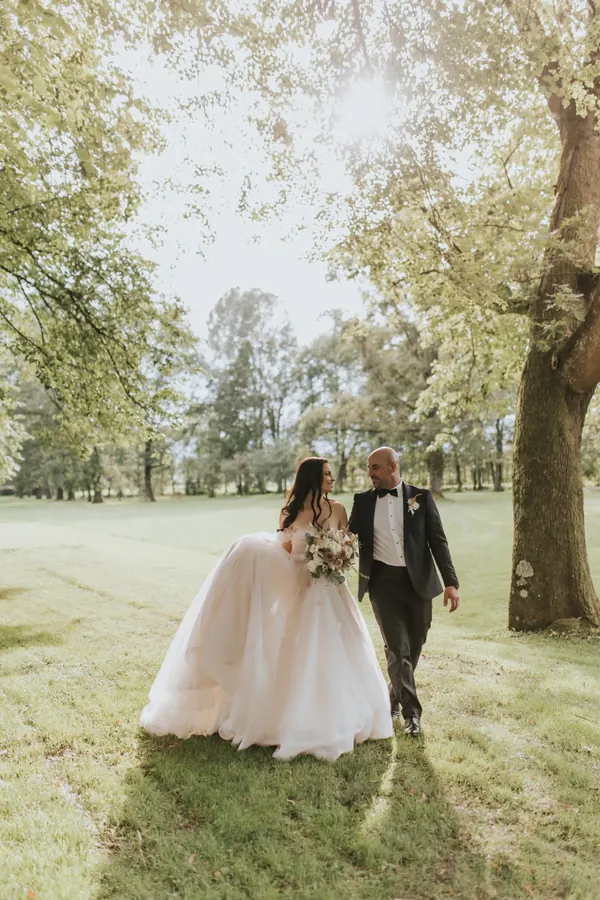
Weddings, baby showers and business events all use the same simple QR flow.
Create a free gallery, open the QR code on another phone and test the complete guest flow before the event.
Try CamLove free →